Start with your paycheck.
Add your paydays and income so you know what you’re working with.

Get paid. Pay bills. Check them off.
See exactly what’s Leftover.
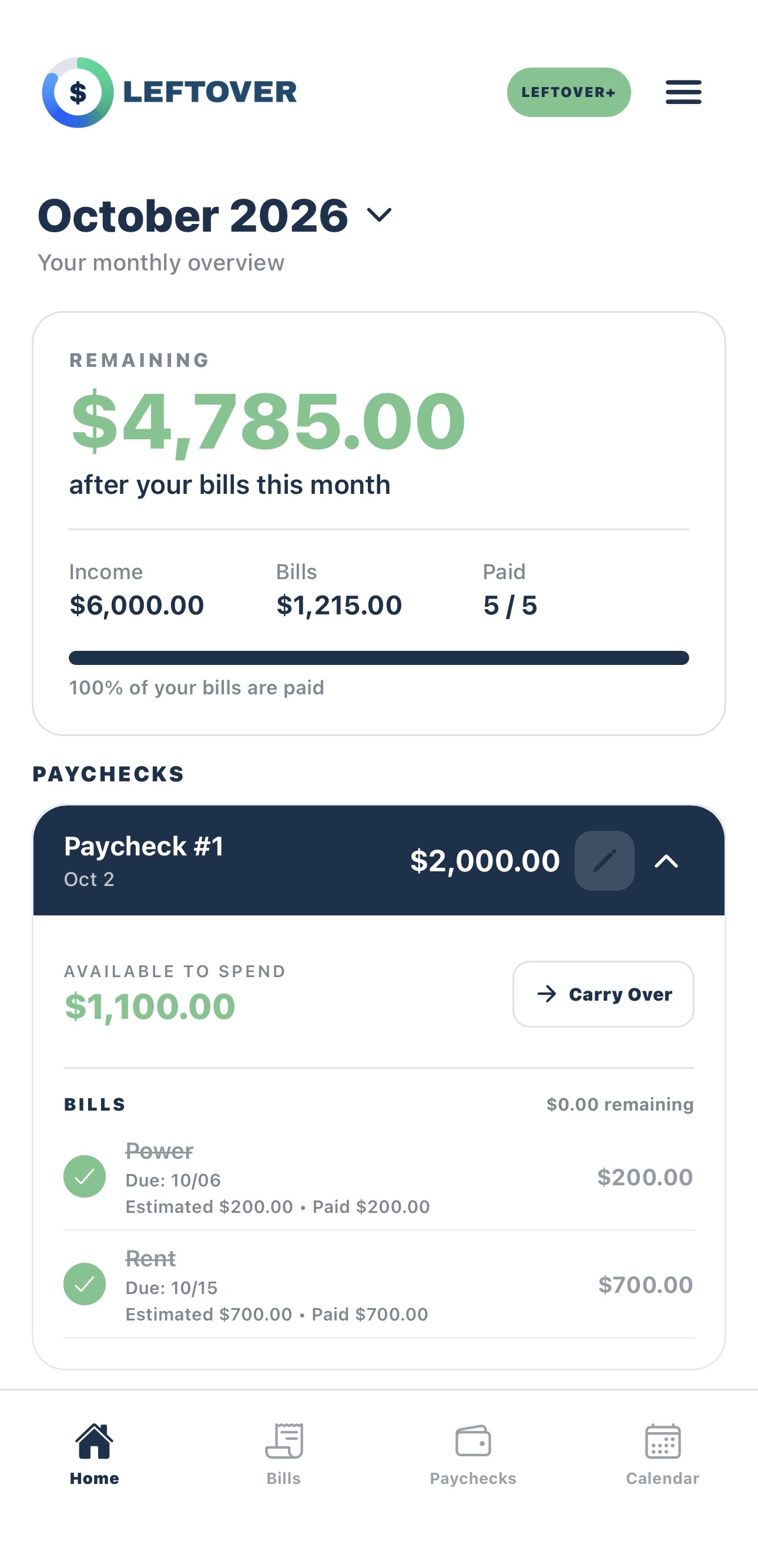
No complicated setup. No spreadsheets to wrestle with. Just your paychecks, your bills, and a clear next step.
Add your paydays and income so you know what you’re working with.
Add amounts and due dates. When you’ve paid a bill, check it off.
See what remains after your bills, without doing the mental math.
Try a sample paycheck. Check off a bill and watch your remaining money update.
Interactive illustration · Sample amounts only · Nothing is saved
$990.00 in unpaid bills · $1,010.00 after all listed bills
From your next paycheck to your next due date, the important things stay easy to find.
See your paychecks, paid bills, Daily Spending, and what’s leftover together.
Leftover now helps you follow the purchases between bills and create a clear monthly report when you need one.
Add groceries, gas, shopping, dinner, and other daily purchases with the date and amount. Leftover assigns each purchase to the paycheck that covers that date.
Create a PDF Snapshot of the current month with your paychecks, bills, daily spending, and budget totals. Save it or share it manually with someone you trust.
See upcoming bills before they sneak up on you. Your next due date stays front and center.
An overdue bill deserves attention. Spot it quickly and check it off when you pay.
Bill and payday push reminders help you stay on track. Past-due notifications are included with Leftover+.
See paydays and bill due dates together in one simple calendar.
Mark bills paid yourself. Keep a clear picture of what you’ve handled and what’s next.
Add groceries, gas, shopping, dining, and other purchases to the paycheck that covers them.
Leftover+ creates a PDF view of your month that you can save or share.
Add your income, bills, and spending manually. Stay in control without sharing bank login details.
Leftover is designed to keep budgeting data on your installed device. There’s no bank connection and no need to hand over your banking credentials.
Our approach to privacyNo. You enter your bills and income yourself. Leftover doesn’t need your bank username, password, or account connection.
No. Pay the bill through your usual provider, then mark it paid in Leftover to keep your budget up to date.
Leftover is being prepared for both platforms. App Store and Google Play links will be added when downloads are available.
Leftover is designed with bill and payday reminders, including push notifications. Past-due notifications are a Leftover+ feature. Device permissions and settings affect delivery.
On your installed device, rather than in a Leftover or NRB Branding cloud budgeting database. Review the privacy policy for the intended data practices and platform-service details.